
HR 人力资源管理
业务用途
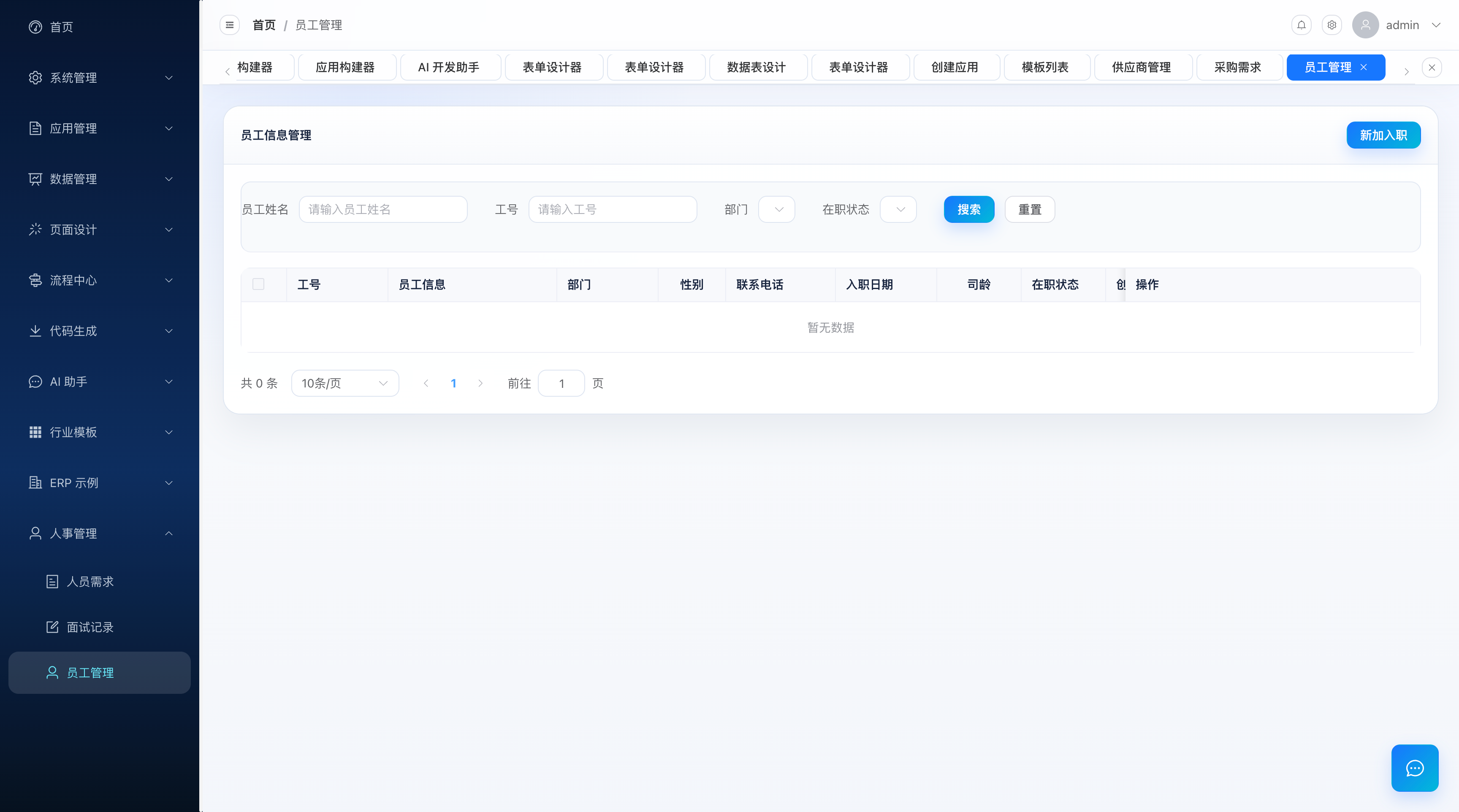
HR 模块覆盖企业人力资源的核心事务:员工档案管理、招聘需求管理、面试管理。它提供员工从入职(试用期)-> 转正 -> 离职的状态机管理,招聘需求与面试记录的联动,以及员工花名册的 Excel 导出。
与 ERP / 基金会不同,HR 模块是传统手写三层架构(Controller + Service + Entity),没有走 Seeder 动态建表。它适合作为「平台原生 Java 业务模块如何编写」的参照:实体用 MyBatis-Plus 注解映射、分页用 PageHelper.doPage、导出用 Hutool ExcelWriter。员工状态机(1 试用期 / 2 正式 / 3 已离职)由专门的 regular / resign 端点驱动。
涉及文件
| 文件 | 路径 | 基础路径 | 说明 |
|---|---|---|---|
| 员工控制器 | controller/hr/HrEmployeeController.java | /api/hr/employee | 员工 CRUD + 转正 / 离职 / 导出 |
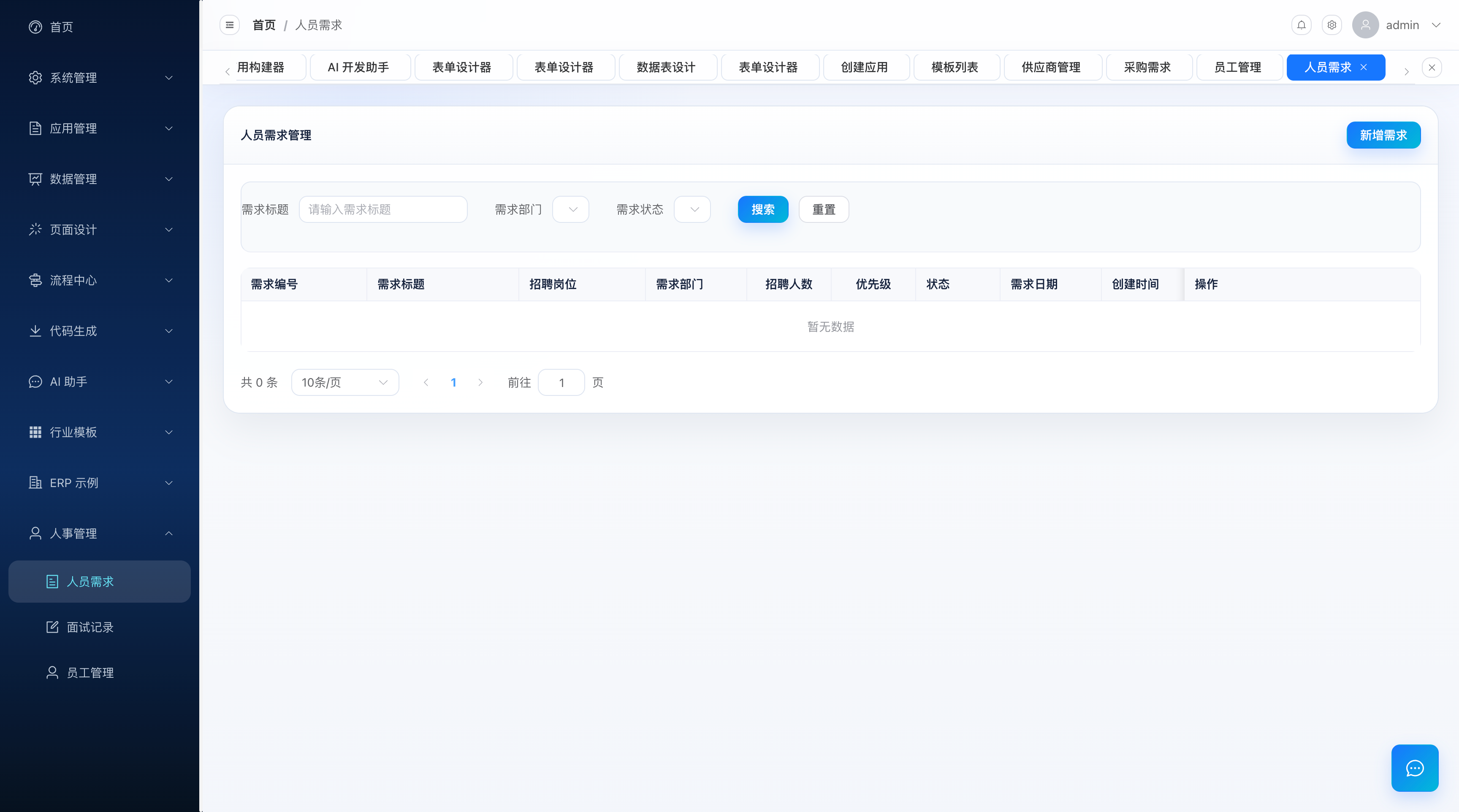
| 招聘需求控制器 | controller/hr/HrRecruitmentDemandController.java | /api/hr/demand | 招聘需求 CRUD + 详情查看 |
| 面试控制器 | controller/hr/HrInterviewController.java | /api/hr/interview | 面试 CRUD |
| 员工实体 | entity/HrEmployeeEntity.java | - | @TableName("hr_employee") |
| 招聘需求实体 | entity/HrRecruitmentDemandEntity.java | - | @TableName("hr_recruitment_demand") |
| 面试实体 | entity/HrInterviewEntity.java | - | @TableName("hr_interview") |
服务层:service/IHrEmployeeService、service/HrRecruitmentDemandService、service/HrInterviewService(均继承 MyBatis-Plus IService)。
数据库表
hr_employee 员工信息表
| 字段 | 类型 | 说明 |
|---|---|---|
id | BIGINT | 主键(@TableId(type = AUTO)) |
employee_no | VARCHAR | 工号 |
employee_name | VARCHAR | 姓名 |
gender | INT | 性别(1 男 / 0 女) |
phone | VARCHAR | 手机号 |
email | VARCHAR | 邮箱 |
dept_id | BIGINT | 部门 ID(关联 sys_dept) |
post_id | BIGINT | 岗位 ID(关联 sys_post) |
hire_date | DATE | 入职日期 |
status | INT | 状态:1 试用期 / 2 正式 / 3 已离职 |
regular_date | DATE | 转正日期 |
resign_date | DATE | 离职日期 |
position | VARCHAR | 职位 |
salary | DOUBLE | 基本工资 |
remark | VARCHAR | 备注 |
create_time / update_time | DATETIME | 创建 / 更新时间(@TableField(fill) 自动填充) |
creator / updater | VARCHAR | 创建人 / 更新人 |
deleted | TINYINT | 逻辑删除(@TableLogic) |
部门 / 岗位关联
dept_id / post_id 关联的是系统管理的 sys_dept / sys_post(见 )。HR 模块复用平台组织架构,不自建部门表。
hr_recruitment_demand 招聘需求表
| 字段 | 类型 | 说明 |
|---|---|---|
id | BIGINT | 主键 |
demand_no | VARCHAR | 需求编号 |
position_name | VARCHAR | 招聘职位 |
department | VARCHAR | 需求部门 |
head_count | INT | 招聘人数 |
urgency | VARCHAR | 紧急程度 |
status | VARCHAR | 状态 |
salary_range | VARCHAR | 薪资范围 |
job_description | VARCHAR | 岗位职责 |
requirements | VARCHAR | 任职要求 |
tenant_id | BIGINT | 租户 ID |
| 通用字段 | - | 继承 BaseEntity(id / create_time / update_time / deleted 等) |
hr_interview 面试表
| 字段 | 类型 | 说明 |
|---|---|---|
id | BIGINT | 主键 |
demand_id | BIGINT | 关联招聘需求 ID(hr_recruitment_demand.id) |
candidate_name | VARCHAR | 候选人姓名 |
candidate_phone | VARCHAR | 候选人电话 |
candidate_email | VARCHAR | 候选人邮箱 |
interview_date | DATETIME | 面试时间 |
interviewer | VARCHAR | 面试官 |
interview_type | VARCHAR | 面试类型 |
status | VARCHAR | 面试状态 |
result | VARCHAR | 面试结果 |
score | INT | 面试评分 |
remark | VARCHAR | 备注 |
tenant_id | BIGINT | 租户 ID |
| 通用字段 | - | 继承 BaseEntity |
实现机制
一、员工状态机
员工生命周期由 status 字段驱动,三个状态间的流转通过专用端点完成:
   新增员工 (POST /api/hr/employee)
        │  status 默认 = 1(试用期)
        ▼
   ┌──────────┐  PUT /api/hr/employee/regular   ┌──────────┐
   │ 1 试用期  │ ──────────────────────────────▶ │ 2 正式   │
   └──────────┘   (置 status=2, 写 regular_date) └──────────┘
        │                                              │
        └───────────── PUT /api/hr/employee/resign ────┘
                        (置 status=3, 写 resign_date)
                              ▼
                        ┌──────────┐
                        │ 3 已离职 │
                        └──────────┘
转正接口实现(只更新必要字段,用空壳实体 + updateById 做局部更新):
@PutMapping("/regular")
public Result<Void> regular(@RequestBody HrEmployeeEntity employee) {
    if (employee.getId() == null) return Result.error("员工ID不能为空");
    HrEmployeeEntity update = new HrEmployeeEntity();
    update.setId(employee.getId());
    update.setStatus(2);                              // 正式
    update.setRegularDate(employee.getRegularDate());
    employeeService.updateById(update);               // MyBatis-Plus 局部更新
    return Result.success("转正成功");
}
离职接口同理,置 status=3 并写 resign_date。状态文案在导出时由 getStatusText 映射:1->试用期、2->正式、3->已离职。
二、接口清单
员工 /api/hr/employee
| 方法 | 路径 | 入参 | 说明 |
|---|---|---|---|
| GET | /list | pageNum、pageSize、employeeName、employeeNo、department、status | 分页列表 |
| GET | /{id} | id | 详情 |
| POST | `` | HrEmployeeEntity body | 新增 |
| PUT | `` | HrEmployeeEntity body | 修改(需带 id) |
| DELETE | /{id} | id | 删除 |
| PUT | /regular | body(id + regularDate) | 转正(status=2) |
| PUT | /resign | body(id + resignDate) | 离职(status=3) |
| GET | /export | employeeName、employeeNo、status | 导出 Excel |
招聘需求 /api/hr/demand
| 方法 | 路径 | 说明 |
|---|---|---|
| GET | /list | 全量列表 |
| GET | /page | 分页(支持 positionName 模糊) |
| GET | /{id} | 详情 |
| POST | `` | 新增 |
| PUT | /{id} | 修改 |
| DELETE | /{id} | 删除 |
| GET | /view/{id} | 查看详情(带不存在校验) |
面试 /api/hr/interview
| 方法 | 路径 | 说明 |
|---|---|---|
| GET | /list | 全量列表 |
| GET | /page | 分页(支持 candidateName 模糊) |
| GET | /{id} | 详情 |
| POST | `` | 新增 |
| PUT | /{id} | 修改 |
| DELETE | /{id} | 删除 |
三、Excel 导出
export 接口用 Hutool 的 ExcelUtil.getWriter 生成 .xlsx,字段顺序固定(工号 / 姓名 / 性别 / 手机号 / 邮箱 / 部门 / 岗位 / 职位 / 入职日期 / 状态 / 转正日期 / 离职日期 / 基本工资 / 备注),文件落在系统临时目录的 lowcode-export 子目录,返回下载 URL:
@GetMapping("/export")
public Result<Map<String, String>> export(...) {
    // 1. 按过滤条件查询员工
    // 2. 组装 List<Map<String,Object>>(字段名用中文表头)
    // 3. Hutool ExcelWriter 写入 ${java.io.tmpdir}/lowcode-export/employee_yyyyMMddHHmmss.xlsx
    // 4. 返回 { status, message, filePath, downloadUrl }
}
导出文件路径
导出文件写到 System.getProperty("java.io.tmpdir") + "/lowcode-export",返回的 downloadUrl 为 /api/download/employee_xxx.xlsx。实际下载需配合静态资源映射或下载控制器;在生产环境建议改为对象存储(OSS / MinIO)。
四、查询与分页
所有列表查询用 MyBatis-Plus LambdaQueryWrapper 拼条件,分页统一走 PageHelper.doPage(service, wrapper, pageNum, pageSize),返回 Page<T>。模糊查询用 wrapper.like(...),精确查询用 wrapper.eq(...),默认按 createTime 倒序。
操作步骤
1. 新增员工(试用期入职)
curl -X POST http://localhost:52856/api/hr/employee \
  -H "Content-Type: application/json" \
  -d '{
    "employeeNo": "EMP2026001",
    "employeeName": "张三",
    "gender": 1,
    "phone": "13800001111",
    "email": "zhangsan@example.com",
    "deptId": 100,
    "postId": 1,
    "hireDate": "2026-08-01",
    "position": "Java 工程师",
    "salary": 15000
  }'
# status 默认 1(试用期)
2. 员工转正
curl -X PUT http://localhost:52856/api/hr/employee/regular \
  -H "Content-Type: application/json" \
  -d '{ "id": 1, "regularDate": "2026-11-01" }'
# status 变为 2(正式),regular_date 写入
3. 员工离职
curl -X PUT http://localhost:52856/api/hr/employee/resign \
  -H "Content-Type: application/json" \
  -d '{ "id": 1, "resignDate": "2026-12-31" }'
# status 变为 3(已离职),resign_date 写入
4. 发起招聘需求并记录面试
# (a) 新建招聘需求
curl -X POST http://localhost:52856/api/hr/demand \
  -H "Content-Type: application/json" \
  -d '{
    "demandNo": "RD2026001",
    "positionName": "前端工程师",
    "department": "研发部",
    "headCount": 2,
    "urgency": "紧急",
    "salaryRange": "15k-25k",
    "jobDescription": "负责 Vue3 前端开发",
    "requirements": "3 年以上前端经验"
  }'

# (b) 录入面试记录(demandId 关联上面的需求)
curl -X POST http://localhost:52856/api/hr/interview \
  -H "Content-Type: application/json" \
  -d '{
    "demandId": 1,
    "candidateName": "李四",
    "candidatePhone": "13900002222",
    "interviewDate": "2026-08-10 14:00:00",
    "interviewer": "王经理",
    "interviewType": "技术面",
    "result": "通过",
    "score": 85
  }'
5. 导出员工花名册
curl http://localhost:52856/api/hr/employee/export -o /dev/null -s | jq
# 返回 { status: "success", filePath, downloadUrl, message: "导出成功,共 N 条记录" }
常见问题
员工状态有哪些?怎么流转?
status:1 试用期(新增默认)、2 正式(PUT /regular)、3 已离职(PUT /resign)。转正写 regular_date,离职写 resign_date,都只做局部更新(不覆盖其它字段)。
为什么 HR 没有走 Seeder 动态建表?
HR 是平台原生业务模块,用 MyBatis-Plus 实体注解(@TableName / @TableField / @TableLogic)直接映射物理表,表结构由 SQL 脚本初始化。它演示的是「传统手写三层架构」如何在平台里共存--平台既支持低代码动态建表,也支持原生 Java 业务模块,两者通过统一的 RBAC 鉴权与租户隔离无缝协作。
导出的 Excel 在哪?
文件生成在服务器 ${java.io.tmpdir}/lowcode-export/employee_时间戳.xlsx,接口返回 filePath(服务器绝对路径)和 downloadUrl(/api/download/...)。要真正下载,需保证该目录可通过 HTTP 访问,或改用对象存储。
招聘需求和面试怎么联动?
hr_interview.demand_id 外键指向 hr_recruitment_demand.id。新建面试时传入对应的 demandId 即可建立关联。平台未强制外键约束,业务上由前端在「招聘需求详情」下挂面试列表来体现联动。